
Amazon's AI is on both sides now. Here's how to work with it.
The Hawker's Club
- Seller Central
- Vendor Central
- Chargebacks
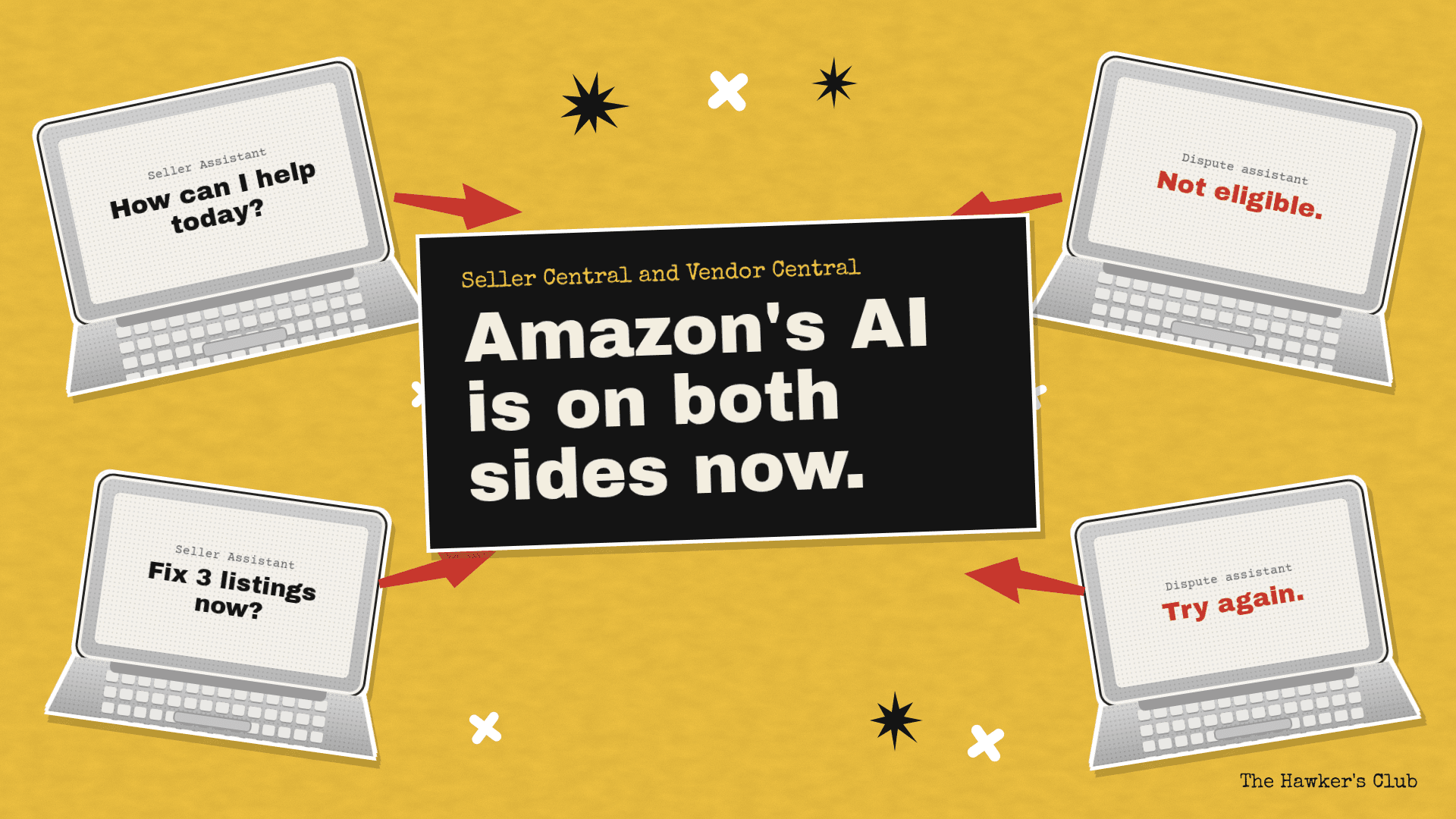
Amazon has added a lot of AI this year. Some of it helps you run your account. Some of it now stands between you and a dispute. Both are worth learning, and the sooner you start, the less it costs you to get it wrong.
Where to trust the information
Start with Amazon's own sources: the help pages inside Seller Central and Vendor Central, and Amazon's announcements on the Seller Forums. These are the rules your cases will be judged against.
Treat Seller Assistant's answers as a good first draft. Ask it where the answer comes from, then open that report or help page and check.
Be careful with third-party content, ours included. Check the date, and check it against your own account. This year we've seen confident claims online about dispute windows that we couldn't find anywhere in Vendor Central. If a number matters, find it in the source.
How to start with Seller Assistant
Seller Assistant sits inside Seller Central and costs nothing to use. It reads your sales, inventory, ratings and returns, and it can now act on your account with your permission. We'd start like this:
- Ask it questions you already know the answer to. You'll quickly see where it's reliable and where it isn't.
- Try it on a low-stakes part of your catalogue before you let it near your best sellers.
- Keep anything that touches price or listings on "ask me first".
- Keep a short log of what it gets wrong. That log is how you decide what to hand over next.
The other side: AI in disputes
On the vendor side, the route into a dispute increasingly goes through an AI assistant first. It decides whether your case can be raised at all. Sometimes it won't open one. That can feel like being turned away before you've made your case.
There's a real upside. The assistant sets a bar for knowledge, and it saves time when your case is clean. It also has less judgement than a person. If you know you're right and within the rules, you can get there, where a person working through a queue on autopilot might have missed it.
There are two catches.
The first is timing. The dispute window keeps running while you work out how to deal with the assistant. If you lose a week to that, the claim can time out before anyone has looked at it.
The second is data. If the error is in Amazon's data, such as wrong receiving quantities, the assistant takes that data as fact. There's no one there to step in. That makes the ticket system more important than ever. If you believe the data is wrong, say so in a ticket, and keep a record of the date you first tried to raise the case.
Timing: when you can dispute, and how long it can take
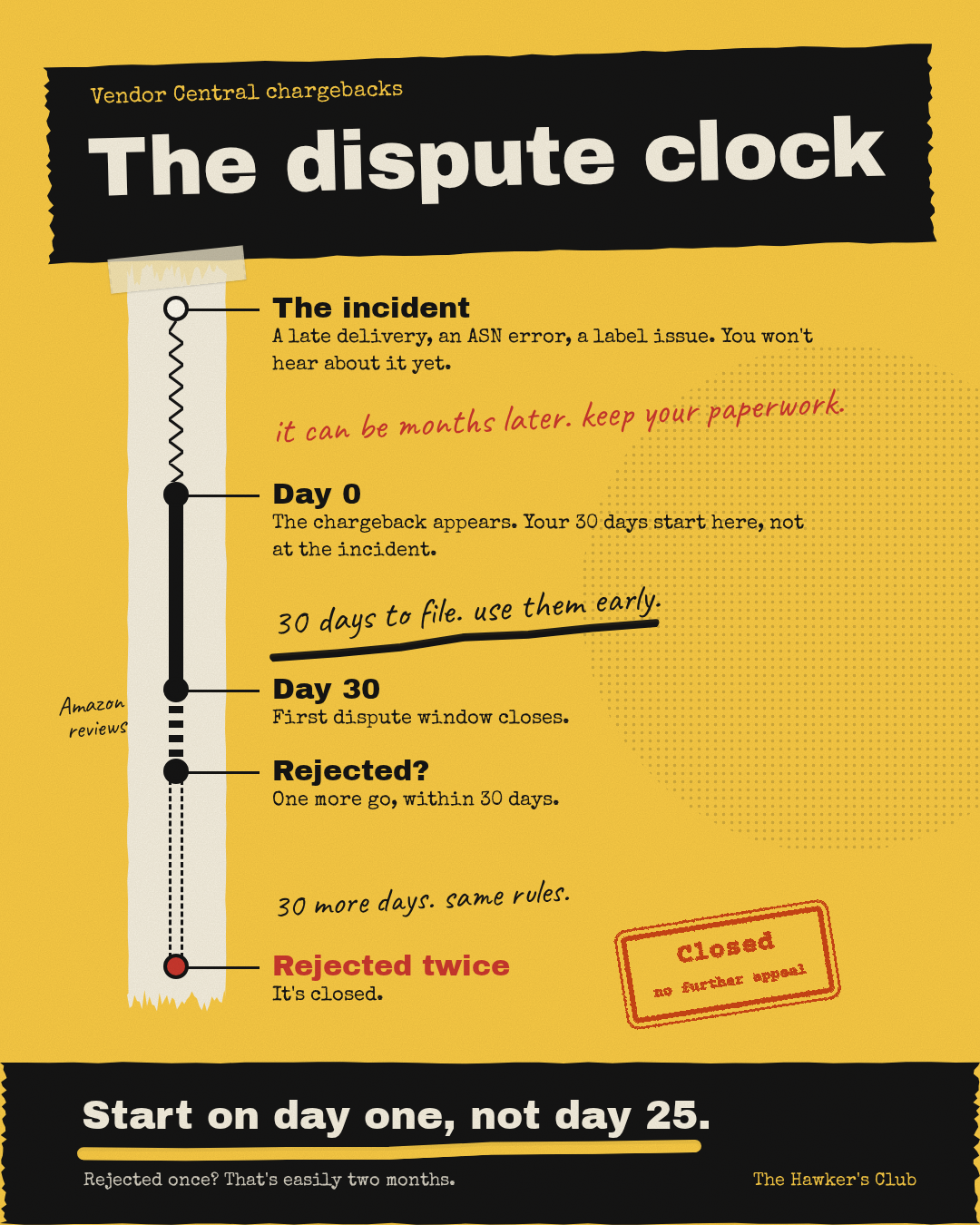
Every claim has two clocks: the window to raise it, and the time it takes to come back. Plan for both. A dispute filed on day 25 that gets rejected leaves you almost nothing for a second try.
For Vendor Central chargebacks, the first clock starts before you know it. A chargeback can appear months after the incident it relates to, so the PO confirmations, ASNs and proof of delivery you need may be old by the time you need them. Keep them somewhere you can find them. Once the chargeback appears, you have 30 days to dispute it. If it's rejected, you get one more try within 30 days of the rejection. Two rejections and it's closed. Amazon's review time varies, so a rejected chargeback can easily take two months or more to settle.
The short version
Start using the tools now. Check what they tell you against the source. Raise disputes early, with everything to hand. And if the data is wrong, use the ticket system and keep a record.
If you have a question about any of this, email us at hello@thehawkersclub.com.